The Photo Decluttering Strategy That Actually Works
The strategy that actually works is the three-tier system: sort your photos into Keepers (family, travel, milestones), Instant Deletes (blurry shots, accidental screenshots, duplicates), and Maybes (everything that needs a second look). Instead of tackling your entire camera roll in one anxiety-inducing marathon, commit to just ten minutes weekly—seriously, that’s less time than scrolling through social media—to sort that week’s photos while they’re still fresh in your mind. The secret isn’t perfection, it’s consistency, and there’s a whole system that makes this painless.
Key Takeaways
- Use a three-tier sorting system: immediately categorize photos as Keepers, Instant Deletes, or Maybes to eliminate decision paralysis.
- Schedule ten-minute weekly photo reviews to prevent overwhelming backlogs and maintain consistent digital organization without burnout.
- Delete blurry shots, accidental screenshots, and duplicates instantly to reduce clutter and build momentum in decluttering efforts.
- Practice mindless deletion during idle moments like watching TV to make photo maintenance effortless and habitual over time.
- Aim for a curated collection over volume by letting go of emotional attachments and recognizing less is more.
Why Traditional Photo Organization Methods Fail Most People
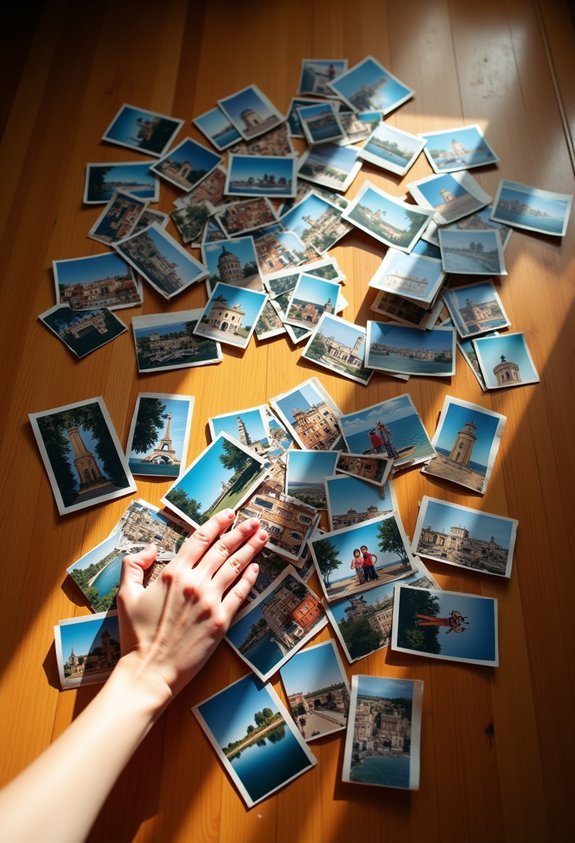
You’ve probably tried organizing your photos before—maybe more than once.
But here’s the thing—traditional methods set you up to fail from the start, and it’s not your fault.
Most systems throw overwhelming choices at you: create albums by date, by event, by person, by location (should your beach vacation go under “Summer 2019” or “Florida”?).
Too many organizing options paralyze you before you even start—leaving your photos in permanent digital chaos.
It’s exhausting before you even begin.
Then there’s emotional attachment.
Every blurry shot of your kid’s first birthday? You can’t delete it—what if you regret it later?
So you keep scrolling, keep stalling, keep feeling guilty about your digital mess.
The result? Thousands of photos, zero organization, and a whole lot of shame.
Sound familiar?
Just like physical clutter, these forgotten digital files represent mental energy leaks that drain you every time you open your camera roll.
The Three-Tier System: Keepers, Maybes, and Instant Deletes
No complex filing systems. You’re going to sort photos into just three piles—that’s it.
This three-tier approach works because it acknowledges reality: some decisions are obvious, others need time.
Here’s your simple sorting method:
- Keepers go into clearly defined keeper categories (family portraits, travel highlights, major milestones)
- Instant Deletes are blurry shots, accidental screenshots, duplicate photos
- Maybes need a second look—apply maybe criteria like “Would I share this?” or “Does this spark actual joy?”
- Review Maybes later when you’re not decision-fatigued (spoiler: most become deletes)
The magic? You’re not agonizing over every single photo right now.
You’ll make quick wins with obvious keepers and deletes first.
By moving items into these designated buckets without overthinking each decision, you avoid the mental fatigue that makes photo decluttering feel overwhelming.
Setting Up Your Weekly 10-Minute Photo Maintenance Routine

Most people think they need marathon photo-organizing sessions to stay on top of their digital clutter—but that’s exactly how you end up with 47,000 unorganized photos three years later.
Here’s what actually works: photo scheduling.
Pick one day each week—Sunday evenings work great, or maybe Friday mornings with your coffee—and set a timer for ten minutes. That’s it.
During these quick assessments, you’ll sort through only that week’s photos while they’re still fresh in your mind. You’ll remember why you took seventeen nearly-identical shots of your lunch (because the lighting kept changing, obviously) and which ones deserve keeping.
The beauty? You’re dealing with maybe fifty photos instead of five thousand.
It’s maintenance, not emergency surgery.
And honestly—ten minutes is shorter than most TikTok scrolling sessions.
This approach works because small, repeatable habits are far more sustainable than waiting until digital clutter becomes overwhelming.
Smart Sorting: Using Your Phone’s Built-In Tools to Speed Up Decluttering
While you’re scheduling those ten-minute sessions, here’s the secret weapon hiding right in your pocket—your phone already has sorting tools that’ll cut your decluttering time in half.
These smart filters are absolute game-changers:
- Search by type – Pull up all screenshots, selfies, or videos in seconds (no endless scrolling through every random sunset photo).
- Group by date – Jump straight to last summer’s vacation instead of swiping through 2,000 images.
- View duplicates – Most phones now show similar shots together with thumbnail previews.
- Sort by favorites – See what you’ve already marked as keepers.
Seriously, once you discover these features, you’ll wonder how you ever survived without them. It’s like finding the fast-forward button on your photo chaos.
Creating a Backup System You’ll Actually Use
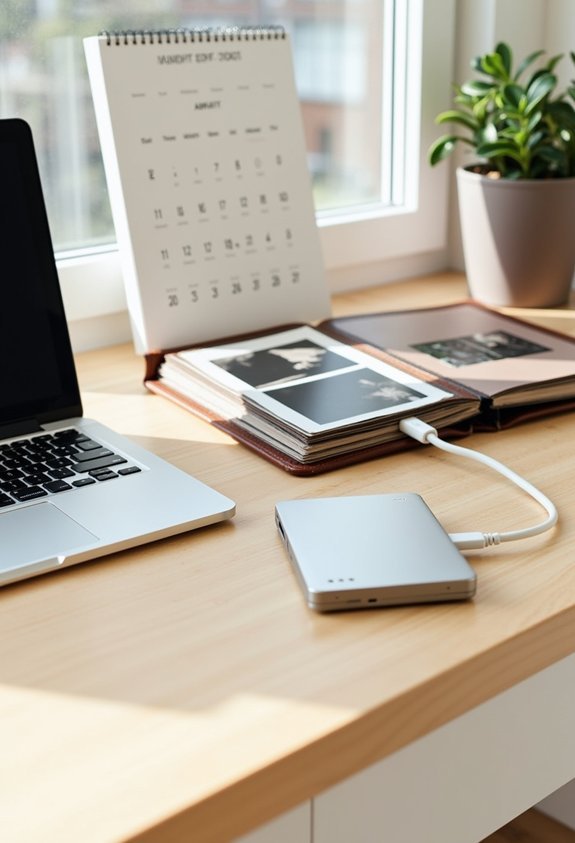
How many times have you deleted precious photos because you ran out of storage, only to regret it three months later when you’re desperately searching for that one picture?
Here’s the truth: backup solutions only work if they’re so easy you’ll actually use them consistently—not just once.
Set up automatic cloud storage through Google Photos or iCloud (whichever matches your phone). These services do the heavy lifting while you sleep, syncing your photos without you lifting a finger.
The key? Pick ONE system and stick with it.
Don’t try maintaining three different backup solutions because you’ll end up checking none of them. That’s like joining four gyms—sounds impressive, doesn’t work.
Once it’s set up, you can delete freely, knowing everything’s safe somewhere else. Automating routines like photo backups protects your mental bandwidth for decisions that actually matter.
That’s actual peace of mind.
When to Be Ruthless and When to Keep Duplicates
Because you’ve probably got seventeen nearly-identical shots of your kid blowing out birthday candles, let’s talk about which duplicates deserve to stay and which ones need to go.
The duplicates dilemma is real—but having ruthless criteria makes decisions way easier.
Keep duplicates when:
- Different expressions matter (one smiling, one laughing—they tell different stories)
- You’re genuinely unsure which is better (give yourself a week, then pick one)
- Multiple people will want copies for their own albums or frames
- The photo captures a once-in-a-lifetime moment from slightly different angles
Delete duplicates when:
They’re basically identical, someone blinked in one, or you’re keeping backups “just because.”
You don’t need five versions of the same sunset.
Trust yourself—you’ll pick the right one.
Remember, memories exist in the mind—not in every single digital file cluttering your camera roll.
Maintaining Your Clean Camera Roll Long-Term

maintenance is where most people’s good intentions go to die, right alongside those gym memberships and sourdough starter aspirations.
But keeping your camera roll clean doesn’t require superhuman discipline—just a weekly five-minute habit.
Set a Sunday evening reminder (or whenever works for you) to delete duplicates, blurry shots, and screenshots you’ve already dealt with.
Schedule a weekly photo purge—delete the blurry, the duplicates, the forgotten screenshots before they multiply like digital gremlins.
Think of it as taking out the trash before it piles up.
Adjust your camera settings to stop shooting in burst mode unless you really need it—because who needs seventeen nearly-identical photos of their dog?
Use photo apps that auto-organize by date or location, making quick reviews easier.
You may also like:




The secret? Make it mindless.
Delete while watching TV, waiting for coffee, or sitting in carpool. Small, consistent effort beats ambitious weekend marathons every time.
Remember, systems matter more than one-time purges—lasting order comes from routines you can actually maintain, not heroic decluttering sprints you’ll abandon by next month.
In case you were wondering
What Should I Do With Printed Photos That Are Damaged or Faded?
You can explore photo restoration techniques to digitally repair them, or consider creative repurposing by turning salvageable portions into bookmarks, gift tags, or art projects. If they’re beyond saving, it’s okay to let them go guilt-free.
How Do I Organize Photos That Include People I No Longer Remember?
Who hasn’t found mysterious faces in old albums? Sort unknown photos into a separate folder, then check the photo context like dates and locations for memory triggers. You can also ask relatives to help identify people.
Should I Delete Screenshots of Receipts After Filing My Taxes?
You shouldn’t delete receipt screenshots immediately after filing taxes. Keep them for three to seven years as tax documentation backup. However, move them to a dedicated “Tax Records” folder to reduce digital clutter in your main photo library.
Can I Recover Photos I Deleted Months Ago From My Phone?
Don’t count those photos as lost in the digital abyss just yet! You can often recover them through your phone’s “Recently Deleted” folder or cloud backups like iCloud or Google Photos, which typically store deleted items for 30-60 days.
How Do I Handle Photos From Events I Didn’t Enjoy Attending?
Keep photos with meaningful people or genuine moments, even from unenjoyable events. Don’t let negative emotional attachment cloud your judgment—event memories can still hold value. Delete obvious duplicates, unflattering shots, and images that genuinely make you uncomfortable.
Conclusion
Your camera roll’s like a garden—let it get wild and overgrown, and you’ll never want to walk through it again. But tend it weekly, pull those weeds (blurry shots, we’re looking at you), and suddenly it’s a place you actually enjoy visiting. You’ve got the tools now—the three-tier system, your weekly routine, that backup you’ll actually use. Time to reclaim those digital acres, friend.